PRIVATE-LABEL PET FOOD · LABEL & ARTWORK COORDINATION
Pet Food Label Artwork Support
Keep product data, market information and design files aligned before artwork approval.
Share your brand, destination market, product specification and selected pack. ZoePetSup can coordinate packaging and label confirmation within the agreed OEM project scope, with clear responsibilities for preparing, reviewing and approving each file.
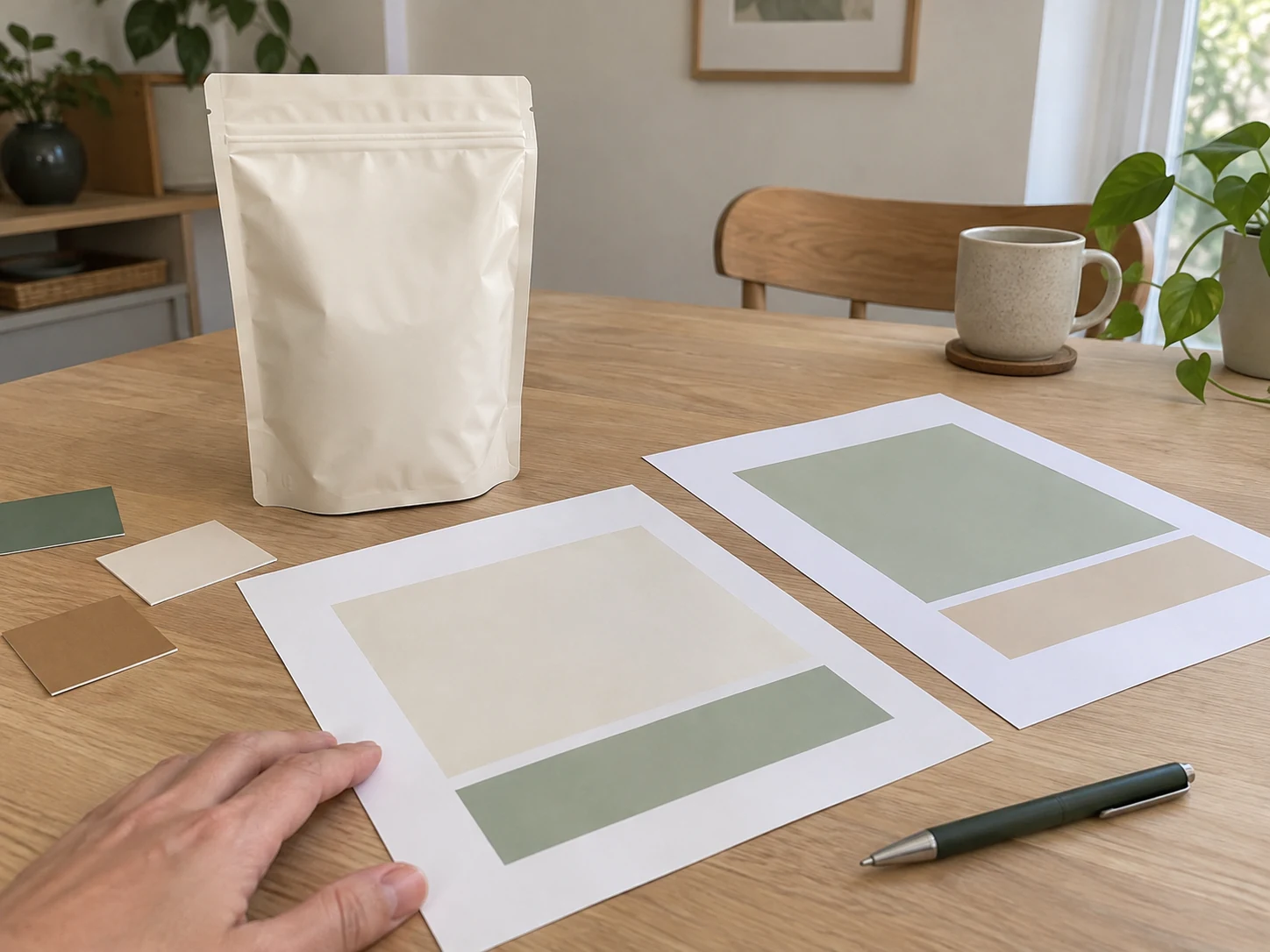
Keep product data, pack layout and print files connected.
Your artwork handoff decisions
Prepare a controlled artwork handoff
GIVE DESIGN A RELIABLE STARTING POINT
Prepare the brand, product and pack inputs
Collect the available brand assets, product information, destination requirements and selected pack details before the layout is finalised.
Identify the product and SKU, pack size, destination country and required languages. State whether a packaging format or production template has been selected. Tell us which logo, brand guidelines, product text and artwork files already exist and which parts need review or preparation.
Agree the artwork work scope and who will supply each input. Keep product and market information identifiable by version rather than copying it from an unrelated pack. The initial inquiry form collects your brief; the appropriate way to share production files can be agreed during the project discussion.
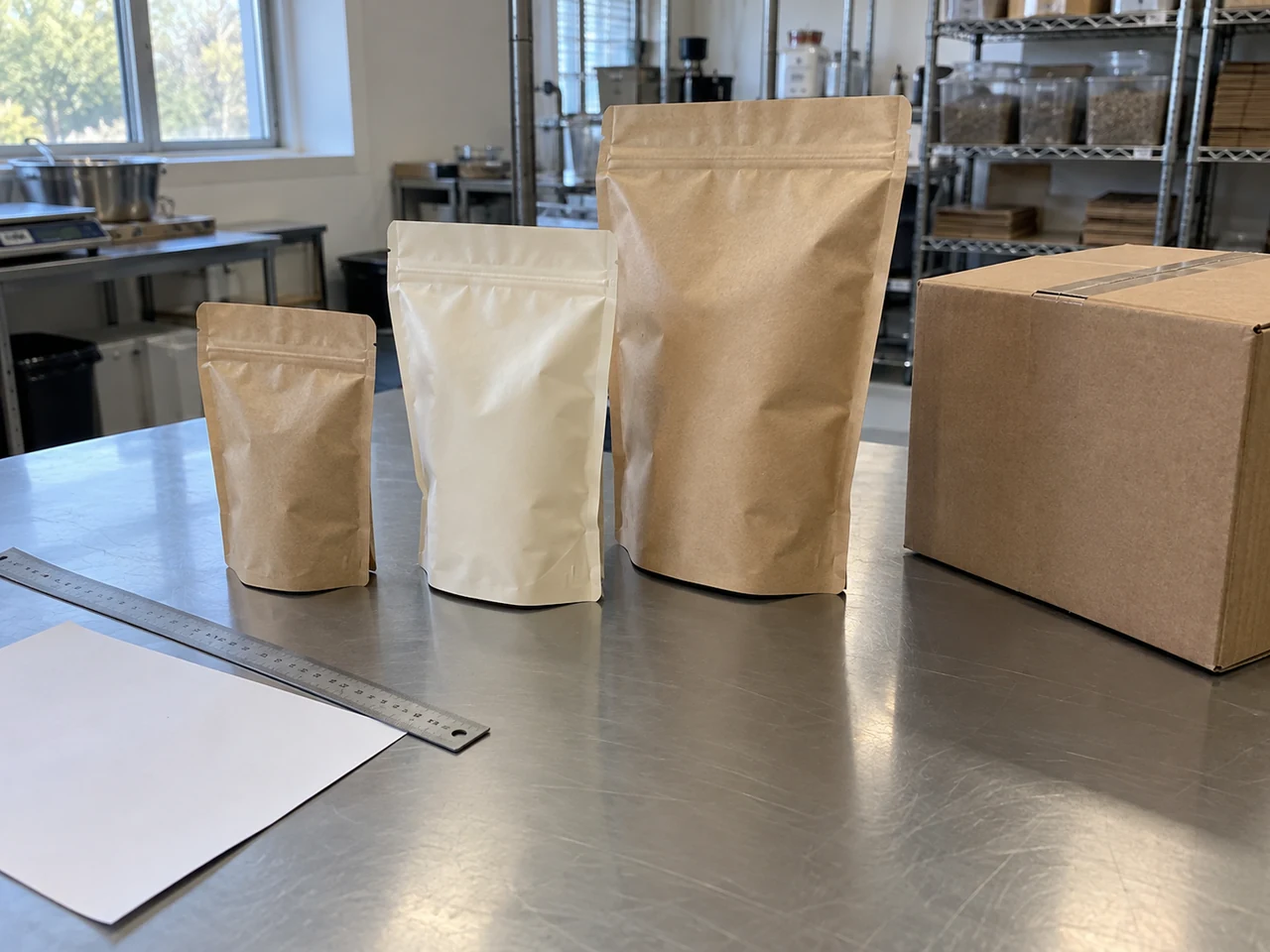
CLARIFY WHO PREPARES AND APPROVES THE INFORMATION
Assign responsibility for the label content
Make it clear which team provides the brand copy, product data, market review and production requirements.
A designer needs approved information as well as a visual direction. Keep the product specification and the destination-market text review connected to the artwork process. Record who can approve a text change, especially when it affects the ingredient declaration, feeding information or a proposed statement on the pack.
| Information source | What to prepare | Review responsibility to agree |
|---|---|---|
| Brand team | Logo, brand hierarchy, range names and intended presentation | Who approves the brand and marketing text |
| Product information | The agreed product specification and relevant label data | Who confirms the data matches the proposed SKU |
| Destination-market review | Required languages, applicable information and proposed statements | Who checks the product-specific market requirements |
| Packaging and printing | The selected pack template and production requirements | Who confirms the output and print-approval conditions |
PLAN THE COMPLETE PACK LAYOUT
Reserve the right information areas
Organise front presentation, product information and variable production markings against the selected pack template.
The diagram below shows conceptual information areas. Exact positions and dimensions follow the agreed bag or label template, product and destination requirements. Keep important information clear of the areas reserved for seals, folds or other construction features identified by the printing provider.
Front presentation
Organise the brand and product identity, range presentation and any proposed statements that need review.
- Brand and product hierarchy
- Range and pack-size presentation
- Approved wording for proposed statements
Product information
Reserve space for the relevant approved product, feeding, storage and responsible-business information.
- Correct product and ingredient information
- Required language versions
- Applicable market and product details
Variable markings
Keep the agreed locations available for operational information such as batch, date or identification markings where applicable.
- Reserved printing area
- Relevant batch/date or barcode requirements
- Positions retained during design revisions
Conceptual information areas; the final layout follows the agreed pack template and product requirements.
CONNECT CONTENT AND DESIGN
Give every information area a clear approval owner.
Keep brand, product, market and production inputs aligned.
CHECK THE FILE AS WELL AS THE DESIGN
Review files against the printing requirements
Agree the printing provider's requirements and check the file resources, text fit, images and output settings before release.
Confirm the required file formats, production template and output conditions for the selected pack. Checks should address both the intended appearance and the resources used to produce it. Software file review can identify issues such as missing fonts, changed image links, text overflow or insufficient image resolution; the relevant settings depend on the production requirements.
| File review area | What to check | Requirement to confirm |
|---|---|---|
| Template and layout | The correct dieline, panels, orientation and reserved areas | The agreed dimensions, bleed and safe areas |
| Fonts and text | Available resources, text fit, language and character display | The accepted font/resource and output arrangement |
| Images and graphics | Correct linked or embedded assets and suitable image detail | The printing provider's resolution and resource requirements |
| Colour and output | The intended colours, finishing scope and output configuration | The agreed colour and print settings |
| Version identity | The file, SKU, language, revision and proof under review | The exact version covered by final approval |
KEEP REVIEWERS ON THE SAME VERSION
Control the revision and approval sequence
Use one identifiable review version and a consolidated change list so comments lead to a clear next file.
Include the brand, SKU, pack size, language and revision in the file identification. Keep the artwork and approved-text versions connected. When a reviewer changes a product statement or data item, return it to the person responsible for that information before carrying it into the next print file.
Identify the review version
Record the artwork file, product specification and text versions being reviewed. Make sure the intended SKU, language and selected pack are clear.
Consolidate the comments
Collect one agreed list of revisions, identify the affected area and explain which elements should remain unchanged.
Review the revised proof
Check that the requested changes are present and that text, layout, resources and reserved areas still match the agreed requirements.
Record the release decision
Identify the approved file and proof, who approved them and which product and packaging specification the decision covers.
APPROVE AN IDENTIFIABLE PRODUCTION RECORD
Connect the approved artwork to the order
Record the final file, proof, pack specification and quantities together so the approval describes the intended production scope.
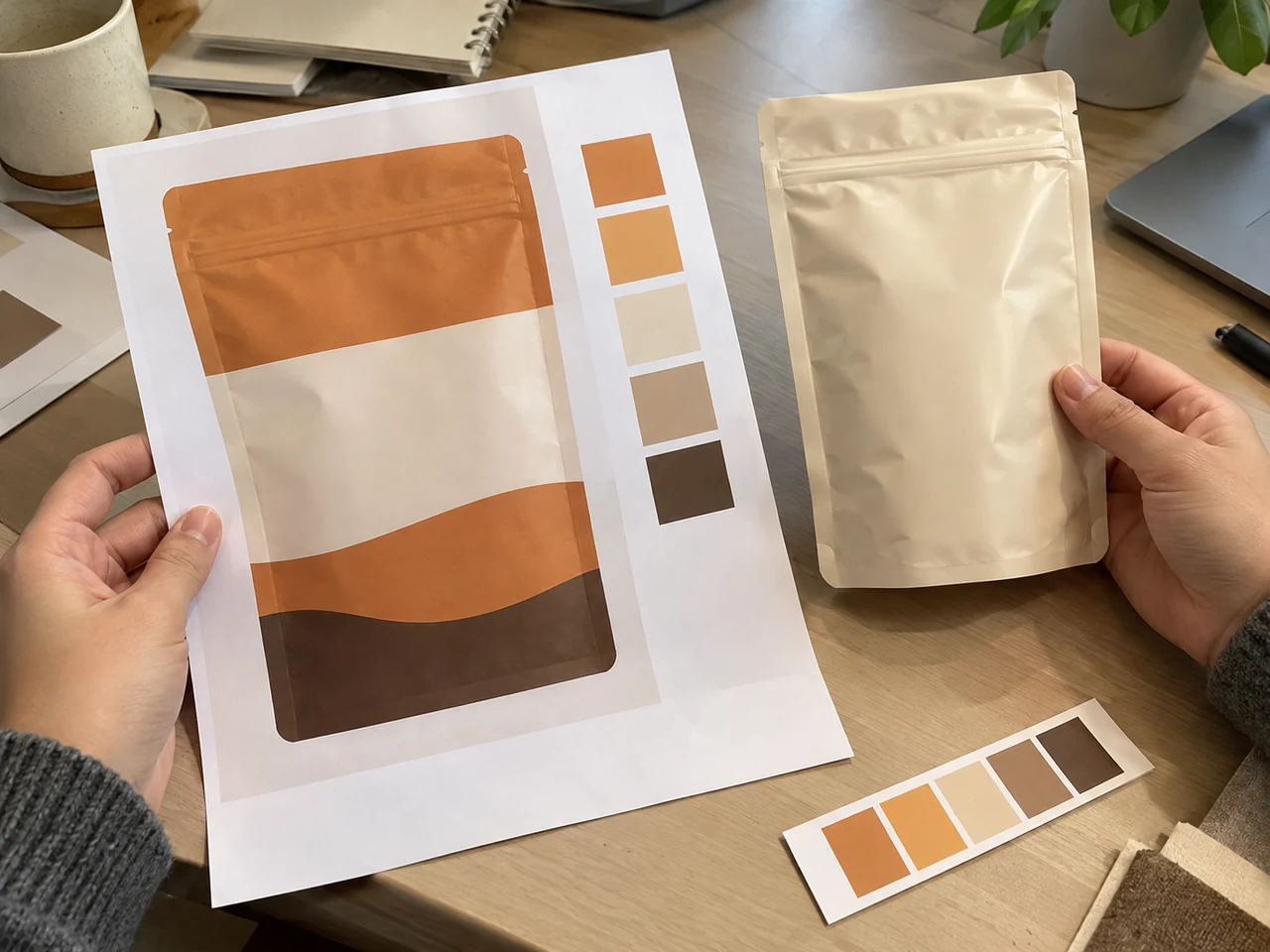
Agree which proof or sample is used for the review and what the approval covers. Confirm the correct product and languages, the accepted text, the selected pack construction and the relevant output requirements. Keep unresolved points visible until the appropriate team has confirmed them.
Link the approved artwork to the packaging quantity and the SKU list in the proposed order. A changed bag size, language, product specification or statement may require a new review. Confirm the affected scope before assuming an earlier print approval still applies.
READY FOR THE NEXT STEP?
Bring the approved text and file versions together.
Describe the available files and project requirements for review.
BEFORE THE FINAL ARTWORK HANDOFF
Questions about pet food label artwork
Start with the available files and product information, then agree the design, review and approval responsibilities for the project.
01Can I begin without finished artwork?
Yes, describe the brand, product, destination market and selected pack, and tell us which files and text already exist. Agree what needs preparation or revision and the responsibilities and commercial scope before the artwork work begins.
02Which file format should I provide?
Tell us which editable artwork, logo, product text and reference files are available. The required production formats and resource handoff should be confirmed with the printing provider for the selected packaging process.
03Does artwork support automatically approve the label for my market?
Product-specific market requirements and proposed statements need the appropriate review. Artwork coordination should use that approved information, but the design process does not by itself establish destination-market acceptance.
04Can one artwork file cover several SKUs or languages?
Identify each product, pack size and language version. Shared design elements may help organise the range, but the correct product text, identification and packaging requirements should be confirmed for each version being approved.
05Who should approve revisions to product information?
Agree who is responsible for the product data, brand copy, market review and production requirements. Changes to those inputs should be confirmed by the relevant reviewer and linked to the next artwork version.
06How should I send the initial artwork request?
Use the inquiry form to describe the product, market, pack size, artwork status and changes you need. Tell us what files are available. The appropriate production-file sharing arrangement can be agreed after the initial brief.
Explore product directions
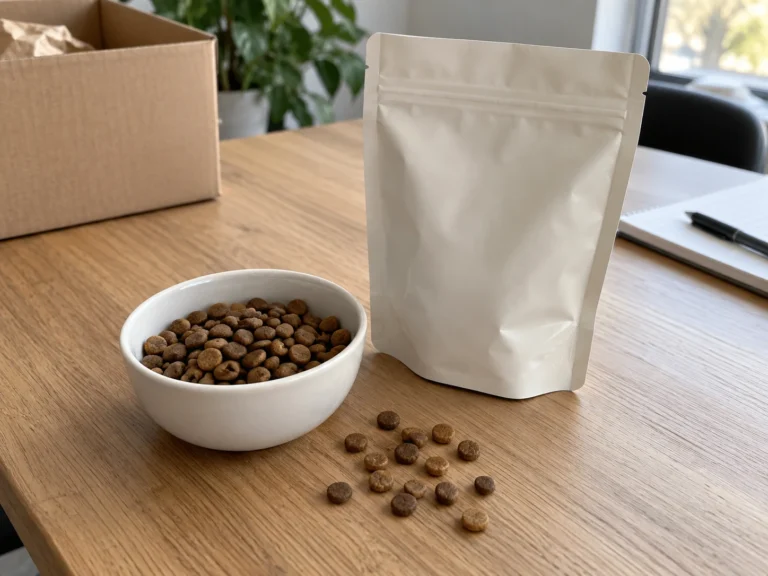
Adult Cat Dry Food OEM & Private Label
An adult-cat dry food development direction for brand owners and importers, with project-specific formula, kibble, flavour and packaging choices.
Explore this direction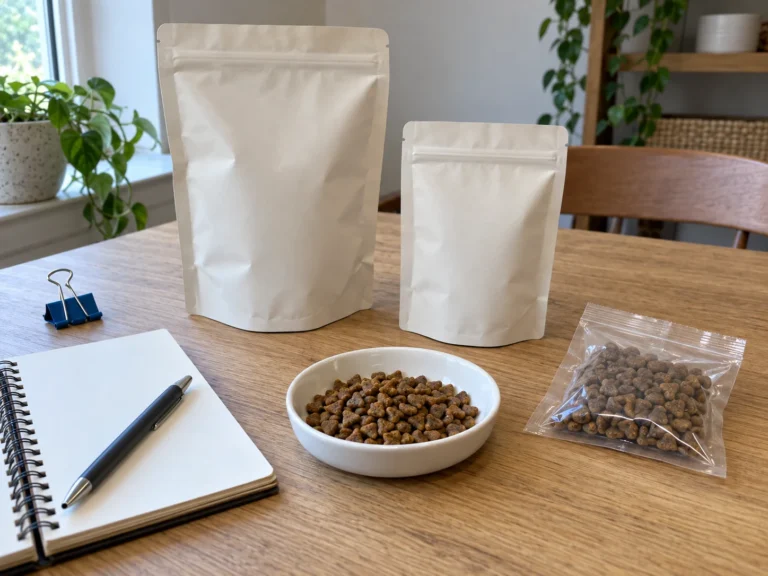
Kitten Dry Food OEM & Private Label
A kitten dry food development direction for brands planning a growth-stage SKU, with product specification, kibble and packaging reviewed for the project.
Explore this direction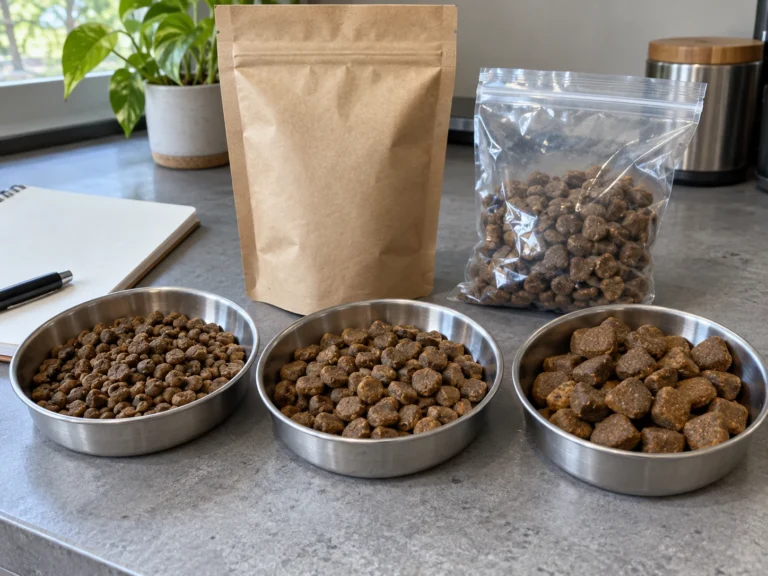
Adult Dog Dry Food OEM & Private Label
An adult dog dry food development direction for brands choosing breed-size kibble, flavour, positioning and packaging for a defined sales channel.
Explore this direction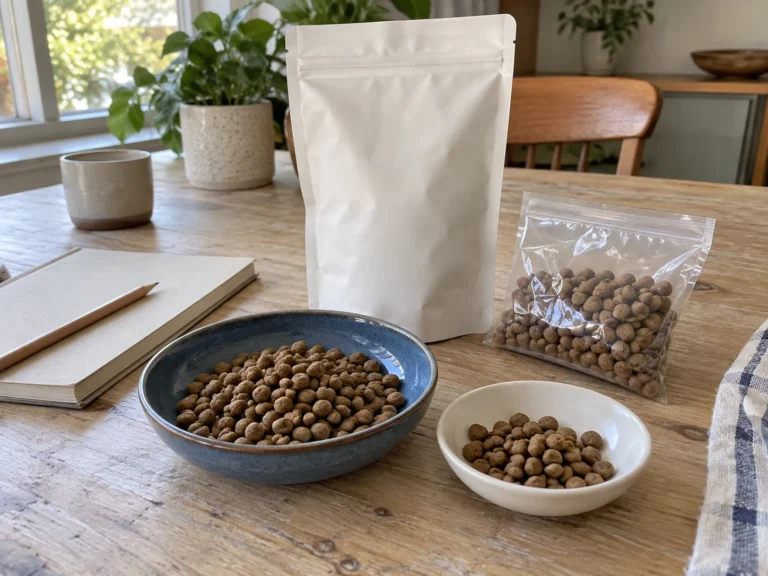
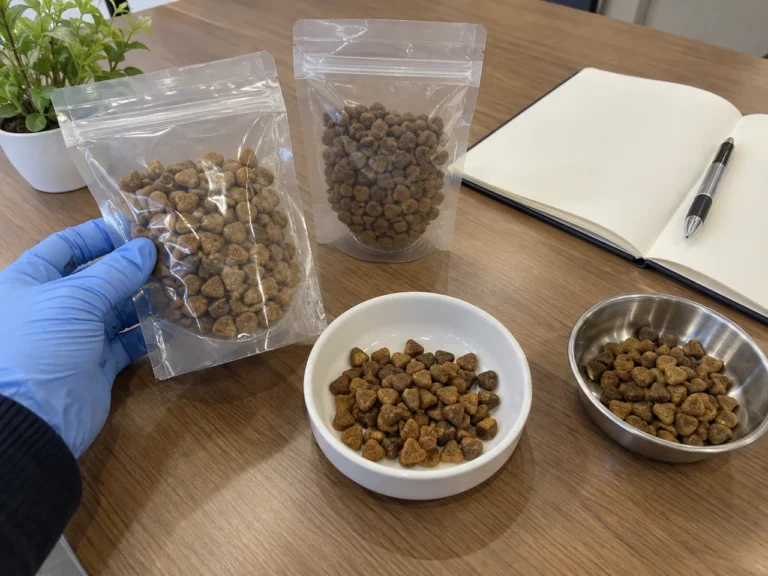
Puppy Dry Food OEM & Private Label
A puppy dry food development direction with life-stage, expected breed size, sample review and packaging defined for your private-label project.
Explore this directionRelated formula directions
Adult Cat Dry Food Formula
A qualitative adult-cat formula direction for structuring your development brief.
Explore this directionKitten Dry Food Formula
A qualitative kitten formula reference for preparing a distinct growth-stage product brief.
Explore this directionAdult Dog Dry Food Formula
A qualitative adult dog formula reference for discussing the product brief, ingredient preferences, sample requirements and final specification.
Explore this directionPuppy Dry Food Formula
A qualitative puppy formula reference for discussing the product brief, ingredient preferences, sample requirements and final specification.
Explore this directionContinue planning your project
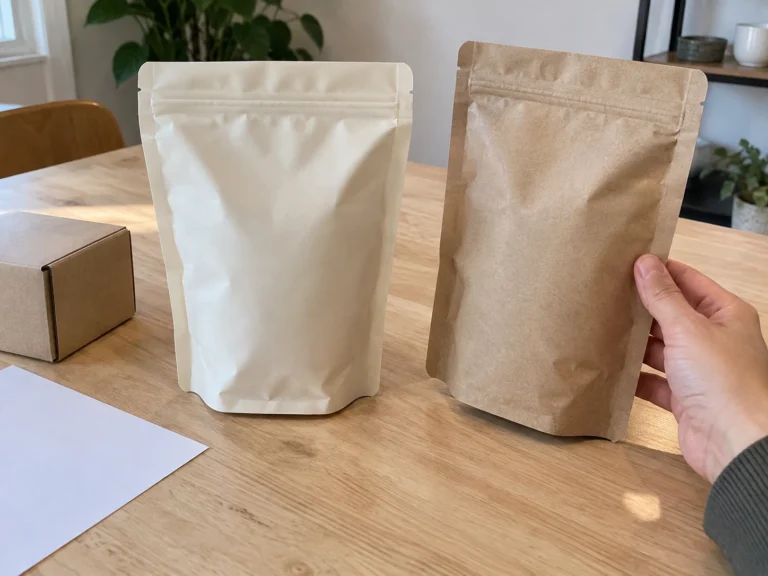
Retail Pet Food Packaging
Plan retail pet food packaging by sales channel, bag format, protection needs and artwork. Connect your pack specification with an OEM food project.
Explore this direction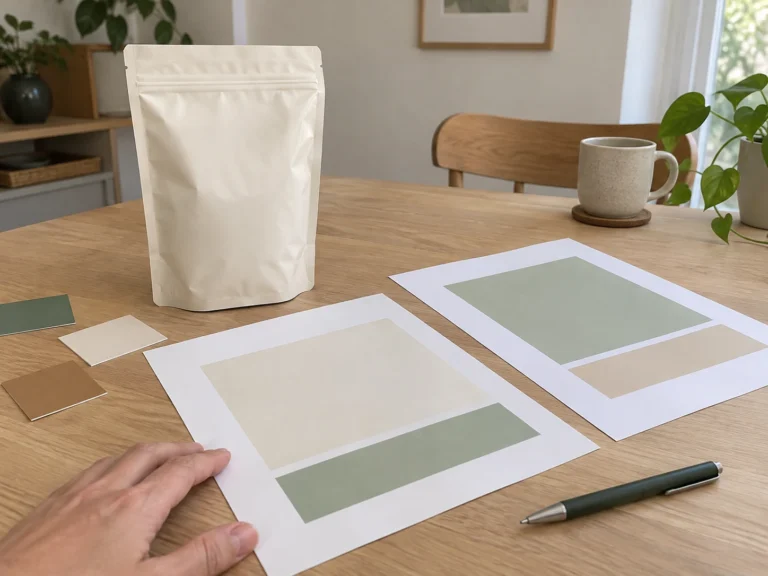
Multilingual Pet Food Labels
Plan pet food label languages with a market matrix, reviewed source copy, translation responsibilities and controlled artwork versions for your OEM project.
Explore this directionStart with your requirements
Tell Arlo what your artwork project needs
Describe the product, destination market, pack size and artwork status. Tell us which brand, text or design files are available and what needs to be created or revised; we can agree the appropriate file handoff after the initial brief.
Your contact at ZoePetSup
Hi, I’m Arlo.
Tell me which pet food project you are planning and what you need to confirm first. A rough brief helps us identify the next questions together.
- Destination market and sales channel
- Life stage, product and flavour direction
- Pack sizes and quantity per SKU
- Artwork status and target launch window